Download MetaTrader 5
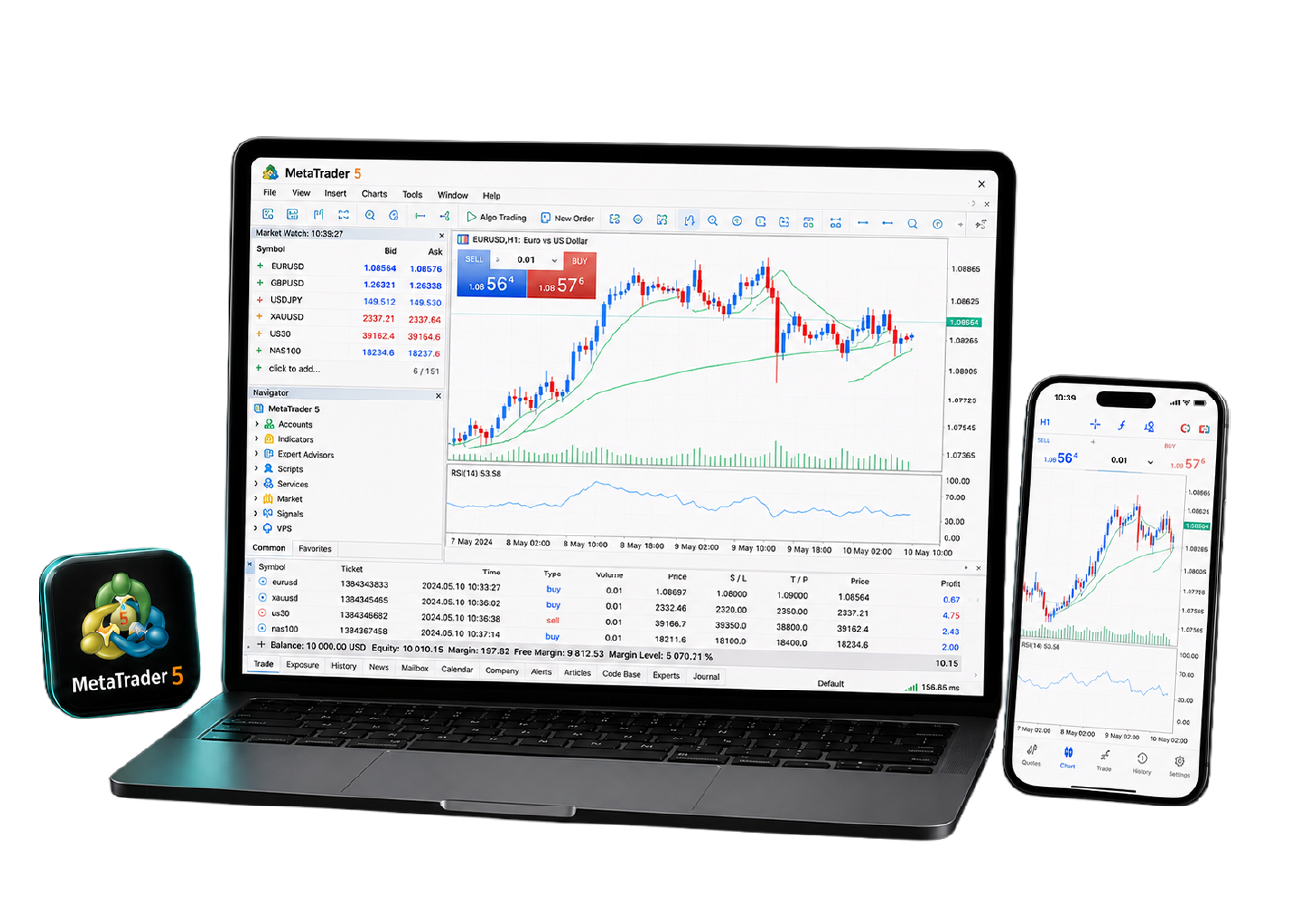
MetaTrader 5 — MT5 — is the multi-asset platform from MetaQuotes: 21 timeframes, 38 built-in indicators, a full depth-of-market view and an economic calendar inside the terminal. Download it free for Windows, Mac, web or mobile, then connect it to a Tradeview MENA account.

What is MetaTrader 5?
MetaTrader 5, usually shortened to MT5, is the multi-asset trading platform built by MetaQuotes. It carries 38 built-in technical indicators, 21 timeframes, six pending order types and a built-in economic calendar, and it runs Expert Advisors written in MQL5. The platform is free. You connect it to a trading account with a broker such as Tradeview MENA.
Why trade on MetaTrader 5?
MT5 is not a newer MT4. It is a wider platform: more markets, more timeframes, and analysis tools MT4 does not carry.

Trade every market from one terminal
Forex, indices, commodities and stocks in a single platform, with one balance and one order history.

Automate with MQL5
Run Expert Advisors written in MQL5 and test them in the built-in Strategy Tester before risking money.

Analyse in more depth
38 built-in indicators, 21 timeframes, 44 analytical objects and full depth of market on supported instruments.

Follow the market as it moves
A built-in economic calendar and live news inside the terminal, so you see the release without leaving the chart.
Why trade MT5 with Tradeview
The platform is the same everywhere. What changes is the account behind it — what you own, what you pay, and who answers when something breaks.

Own US stocks, not just CFDs
Buy real shares in US companies at $0.01 per share, alongside CFDs on the same platform.

Costs stated separately
On the ILC account you trade the raw spread from 0.0 pips and pay commission from $2.50 per lot, shown apart from the price.

Leverage up to 1:500
Dynamic leverage of up to 1:500 on forex. Leverage magnifies losses as well as profits.

No minimum deposit
Fund the account with any amount and start trading.

Swap-free MT5 accounts
Hold positions overnight with no interest and no swap charges.

Support 24/5 in Arabic and English
Live chat, WhatsApp, phone and email — answered by people, five days a week.
MT4 or MT5 — which should you use?
An Expert Advisor written for one will not run on the other, so the choice is not simply "newer is better". Pick by what you trade.
| MetaTrader 4 | MetaTrader 5 | |
|---|---|---|
| Markets | MetaTrader 4Forex, indices and commodities | MetaTrader 5Forex, indices, commodities and stocks |
| Real share ownership | MetaTrader 4No — CFDs only | MetaTrader 5Yes, on the US market account |
| Automated trading | MetaTrader 4MQL4, the largest existing EA library | MetaTrader 5MQL5, newer capabilities and a faster tester |
| Pending order types | MetaTrader 44 | MetaTrader 56 |
| Best suited to | MetaTrader 4Traders who already own MT4 tools | MetaTrader 5Traders who want more markets and deeper analysis |
Both platforms are available on your Tradeview MENA account, and you can run them side by side.
How to download MT5 and start trading
Four steps from download to your first order.
Open your Tradeview account
Complete the account form, upload your ID and a proof of address dated within the last three months. There is no minimum deposit.
Download the platform
Choose the MT5 build for Windows, Mac, web or mobile and install it.
Log in
Open MT5, go to File then Login to Trade Account, search for Tradeview in the server list, and enter the account number and password from your welcome email.
Add markets and trade
Open Market Watch, choose Symbols, add the instruments you want, then open a chart and place your first order.
MT5 on Android and iPhone
Download the MetaTrader 5 app on Android or iOS and manage open positions, charts and orders from your phone.


Download MT5 for desktop, or trade from your browser
Open a live account to get your MT5 login, or test the platform first on a demo with virtual funds.
MetaTrader 5 — frequently asked questions
MT5 is the multi-asset trading platform from MetaQuotes. It carries 38 technical indicators, 21 timeframes, six pending order types and a built-in economic calendar, and it runs Expert Advisors written in MQL5. The platform is free to download.
MT4 covers forex, indices and commodities and uses MQL4. MT5 adds stocks, 21 timeframes and six order types, and uses MQL5. An Expert Advisor written for one will not run on the other.
Forex, indices, commodities and US stocks — including real share ownership at $0.01 per share on the US market account, not only CFDs.
Yes, on Android and iOS. The app shares your account, so a position opened on desktop appears on the phone.
Yes. Swap-free accounts are available on MT5 and hold positions overnight with no interest and no swap charges.
Ready to trade on MT5?
Open a live account and get your MT5 login, or practise first on a demo account with virtual funds.