Trading platforms built for every style
Trade on MetaTrader 4, MetaTrader 5 or EQView — three platforms, one account, and the same trading conditions behind all of them. Over 1,000 instruments, spreads from 0.0 points, and support in Arabic and English from download to first trade.
What is a trading platform?
A trading platform is the software that connects you to the market. It streams live prices, holds your charts and analysis tools, sends your orders to the broker, and keeps the record of every position and balance in your account.
Which platform you use changes how you work, not what you can trade. Tradeview runs the same instruments, spreads and account types across MetaTrader 4, MetaTrader 5 and EQView, so the choice comes down to the tools you want in front of you and whether you are trading CFDs or buying shares outright.
Which trading platform is best for you?
Three platforms, three jobs. Pick the one that matches how you intend to trade.

MetaTrader 4
Best if you want a light, familiar terminal with custom indicators and expert advisors.
MetaTrader 5
Best if you run automated strategies or want deeper analysis across more asset classes.

EQView
Best if you want to own global shares outright, including fractional shares, from the web or your phone.

Still deciding?
Open a demo account and test all three with virtual funds before you put money in.
How do I choose a trading platform?
Four questions settle it faster than any feature list.

What does a trade actually cost?
Compare the spread and commission on the instruments you trade most, not the headline pair on the homepage. At Tradeview the pricing is the same on MT4 and MT5, so the platform never decides your cost.

Who regulates the broker behind it?
A platform is only as sound as the broker running it. Tradeview is licensed by five financial authorities, and client funds are held separately from company funds.

Does it carry the markets you want?
MT4 and MT5 cover forex, commodities, indices and share CFDs. EQView covers global shares with real ownership. Check the list before you commit to one.
How quickly can you reach a person?
Execution speed matters, and so does getting an answer when an order behaves unexpectedly. Tradeview support works in Arabic and English.

Trading conditions on every platform
Your platform changes the tools in front of you. It does not change your pricing, your leverage or your account type.
Spreads from 0.0 points
The same pricing applies on MT4 and MT5, so you never pay more for choosing the platform you find easier to work in.

No account fees
There is no charge for opening or holding your account, and no inactivity fee waiting for you later.

No minimum deposit
Fund your account with the amount that fits your plan. Nothing is gated behind a starting balance.

Swap-free Islamic accounts
Hold positions with no overnight interest and no administrative fee charged in its place, on any of the three platforms.

Leverage up to 1:500
Apply the leverage your account type allows across every platform, and size positions against your own risk plan.
1,000+ instruments
Forex, commodities, indices and shares sit behind one login, so switching market never means switching broker.
MetaTrader 4, MetaTrader 5 and EQView in detail
The same account and the same trading conditions sit behind all three.

MetaTrader 4
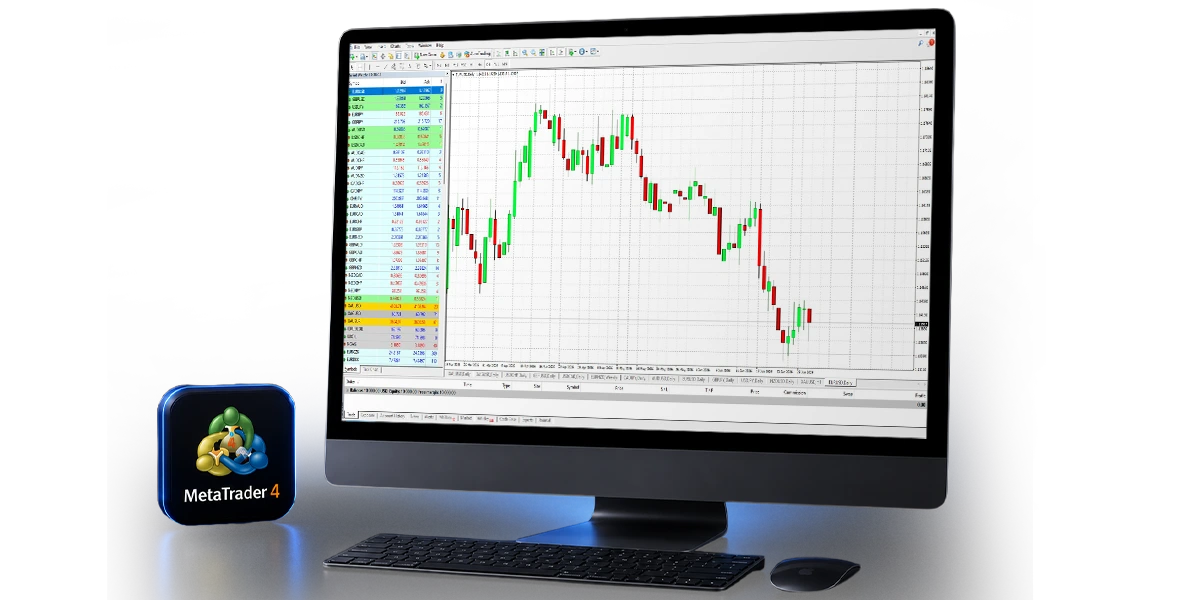
MT4 is the terminal most traders already know. Custom indicators, expert advisors and a familiar order ticket let you shape it around your own way of working, and it stays light enough to run comfortably on an older machine or a phone. If you want to start without learning new software first, start here.

MetaTrader 5
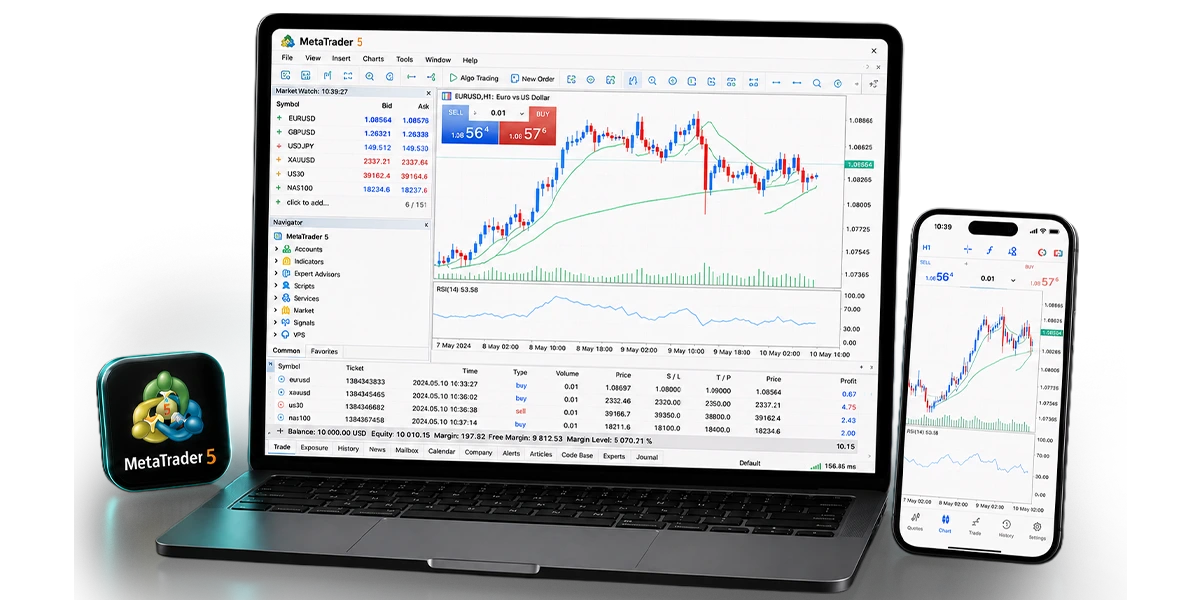
MT5 is the more capable of the two. It adds automated trading, a deeper set of technical tools, more timeframes and order types, and the headroom to run several strategies at once from a single terminal. Choose it if you analyse before you trade, or if you let a strategy trade for you.

EQView
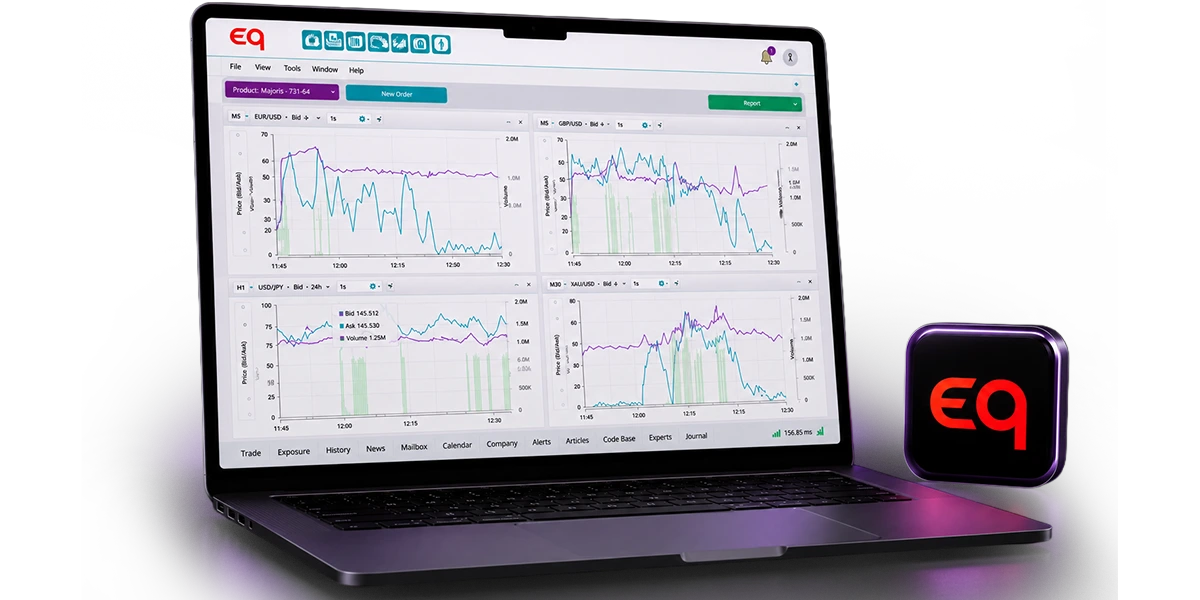
EQView is built for shares rather than CFDs. It gives you real ownership of stocks across US, European, Middle Eastern and Asian markets from one place, supports fractional shares so a high price is not a barrier, and shows your portfolio in the browser or on your phone.
How to start trading on your platform
Four steps take you from a blank form to your first position, and the whole process runs online.
Open your account
Create a live or demo account through the form. It takes minutes, and you receive confirmation once the account is active.
Verify your identity
Upload a valid ID document and a recent proof of address so the required KYC checks can be completed.
Download your platform
Install MT4 or MT5 on desktop, web or mobile, or sign in to EQView in the browser. Your login works across all of them.
Place your first trade
Find your instrument, set your position size, and place a stop-loss and a take-profit before you confirm the order.
Trading platform FAQs
MetaTrader 4 is usually the easier start. The interface is smaller, the order ticket is straightforward, and there is more free learning material for it than for any other platform. Once you want automated strategies or deeper analysis, MT5 is the natural next step, and your account details carry over.
The platform streams live prices from the broker, holds your charts and indicators, and sends your order to be executed. Your positions, balance and history all live in the same terminal, and the platform updates them as the market moves.
You open a separate trading account for each platform under the same client profile, and you can hold both at once. Funds move between them from the client area without opening a new profile.
Yes. MT4 and MT5 both have iOS and Android apps with the same order types and charting as the desktop terminal, and EQView runs in the mobile browser.
No. MT4, MT5 and EQView are free with a Tradeview account. What you pay is the spread, and a commission on the account types that carry one.
EQView. It gives you real ownership of the shares you buy, including fractional shares, across US, European, Middle Eastern and Asian markets. MT5 trades shares as CFDs instead.
Ready to pick your platform?
Open a live account in minutes, or try MT4, MT5 and EQView with a free demo account first.